Download the CareVaultc app
Available on the App Store and Google Play. Scan a QR code or tap to download.
The app requires a CareVaultc account. Book a demo to see the full agency platform.
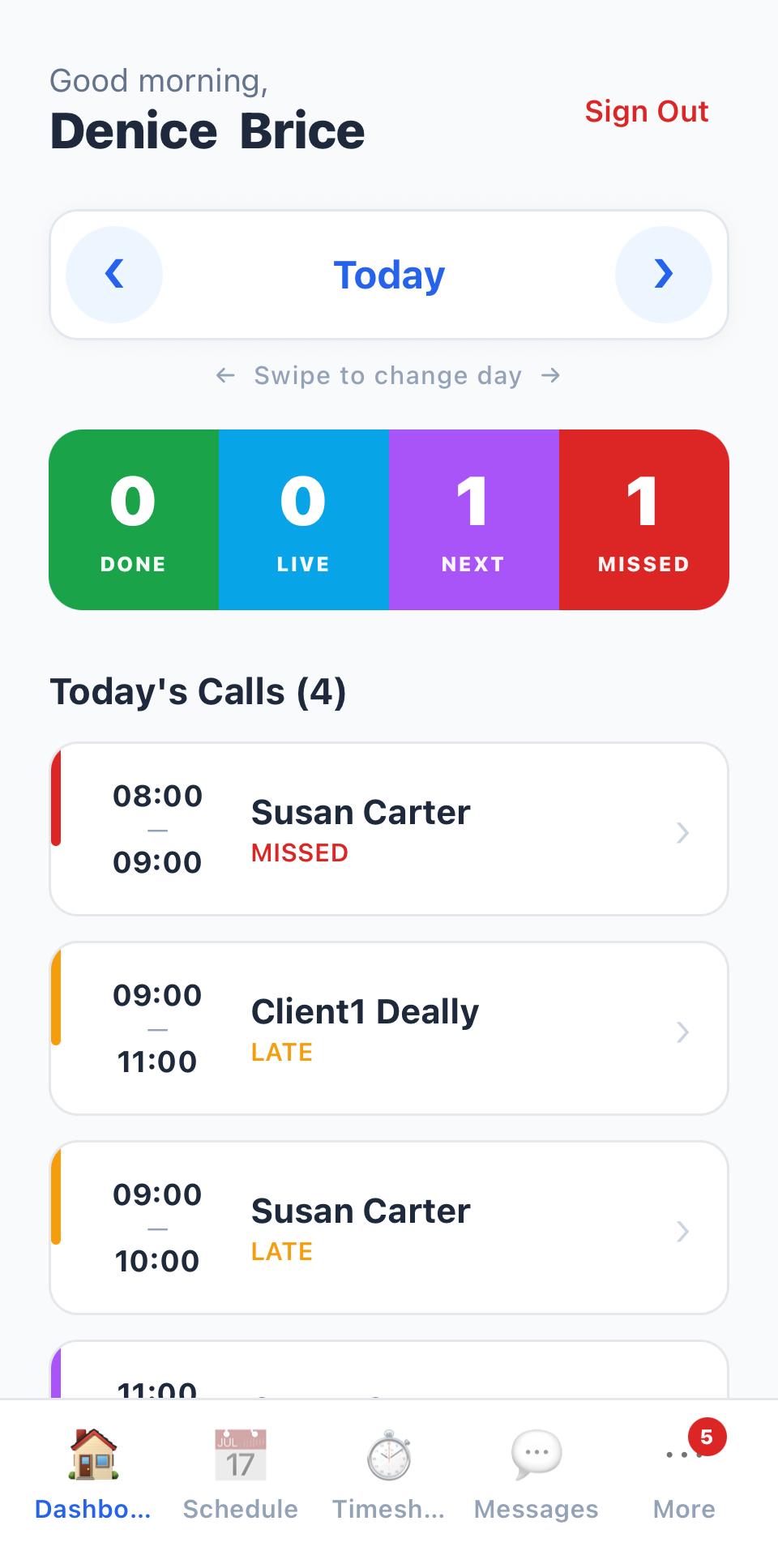
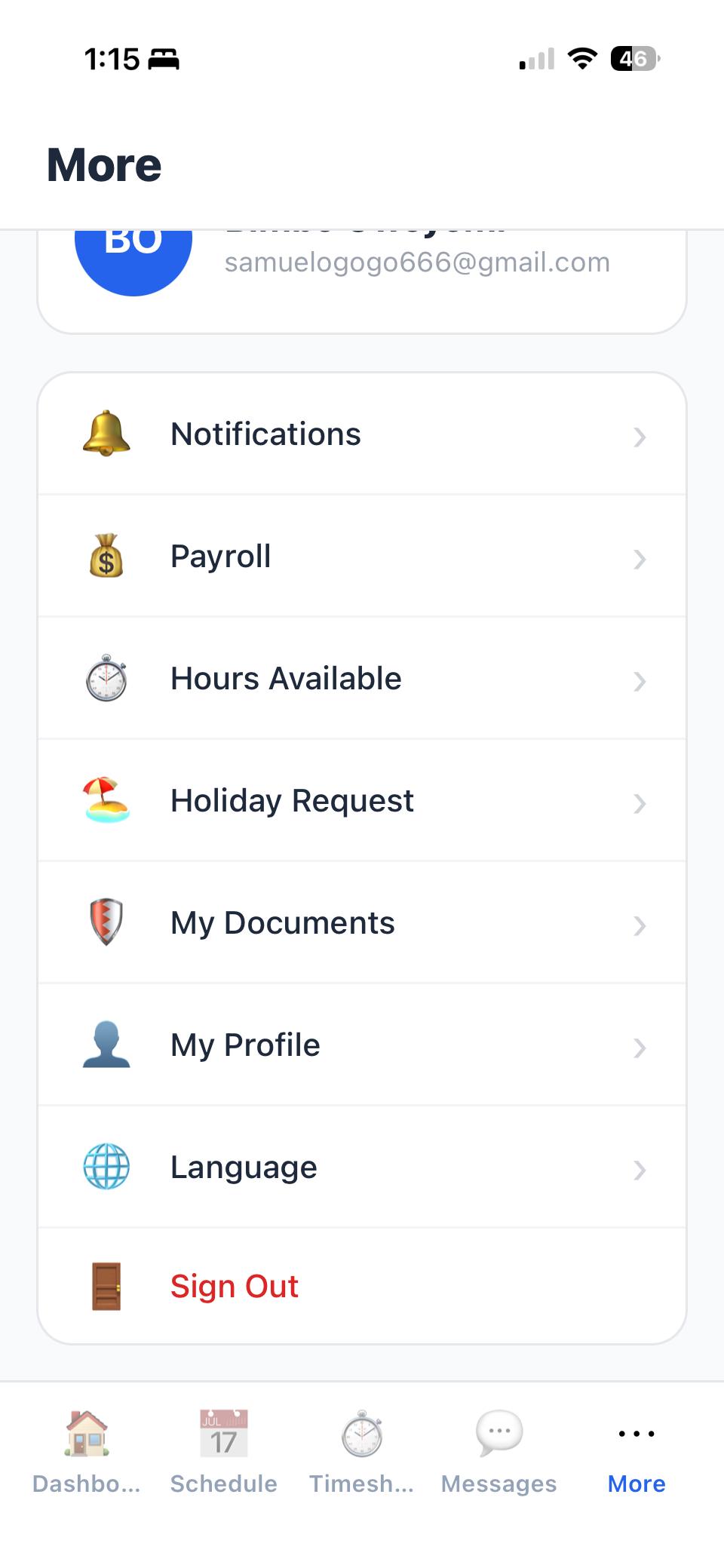
Daily Schedule at a Glance
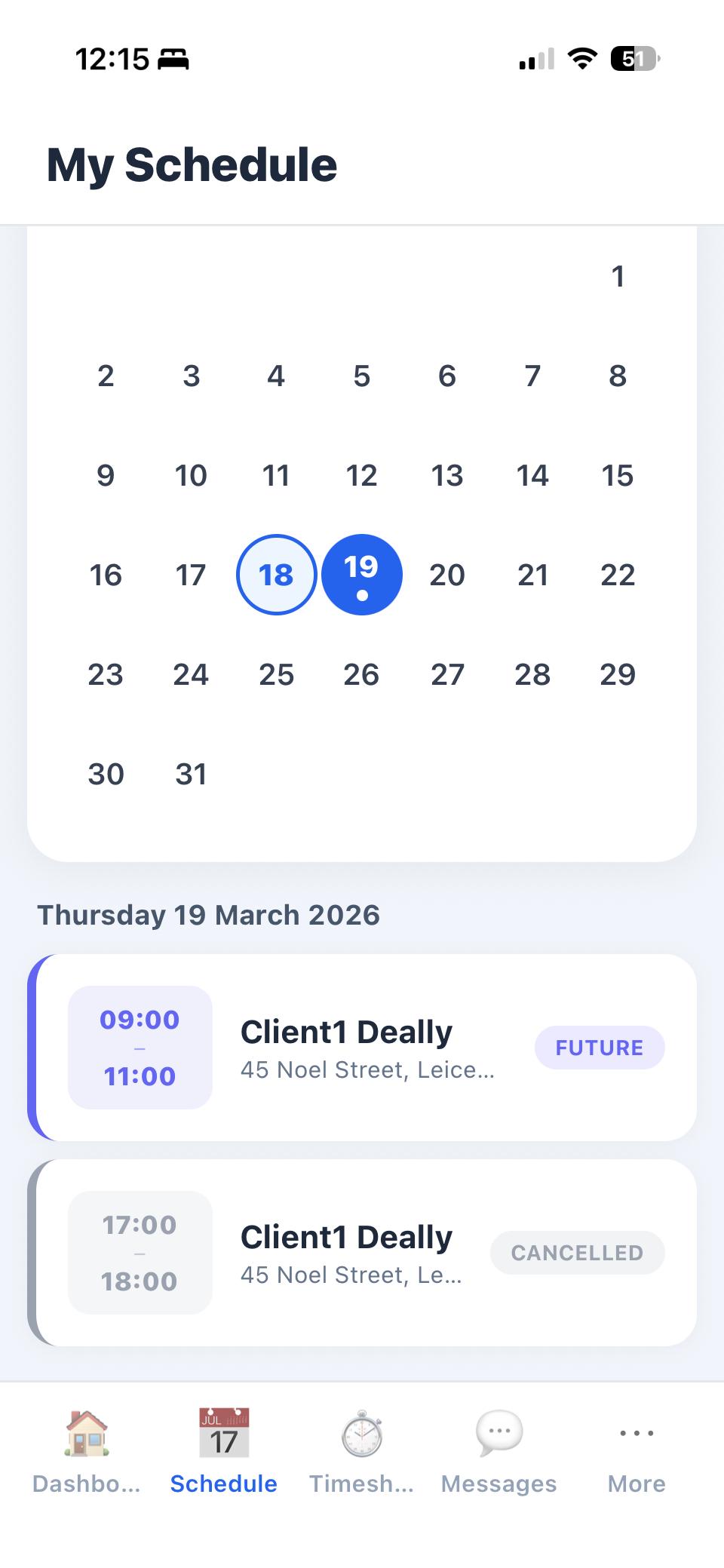
Carers open the app and see today's visits laid out in chronological order: client name, address, visit time, and the care tasks assigned to each call. Everything they need for the day is on one screen.
No scrolling through a week view or tapping into individual events. The daily view is designed for carers who are on the move — quick to scan, easy to understand, and always showing the next visit prominently.
Tomorrow's schedule is one tap away. Carers can plan their day the night before without needing to phone the office.
GPS Clock-In & Clock-Out
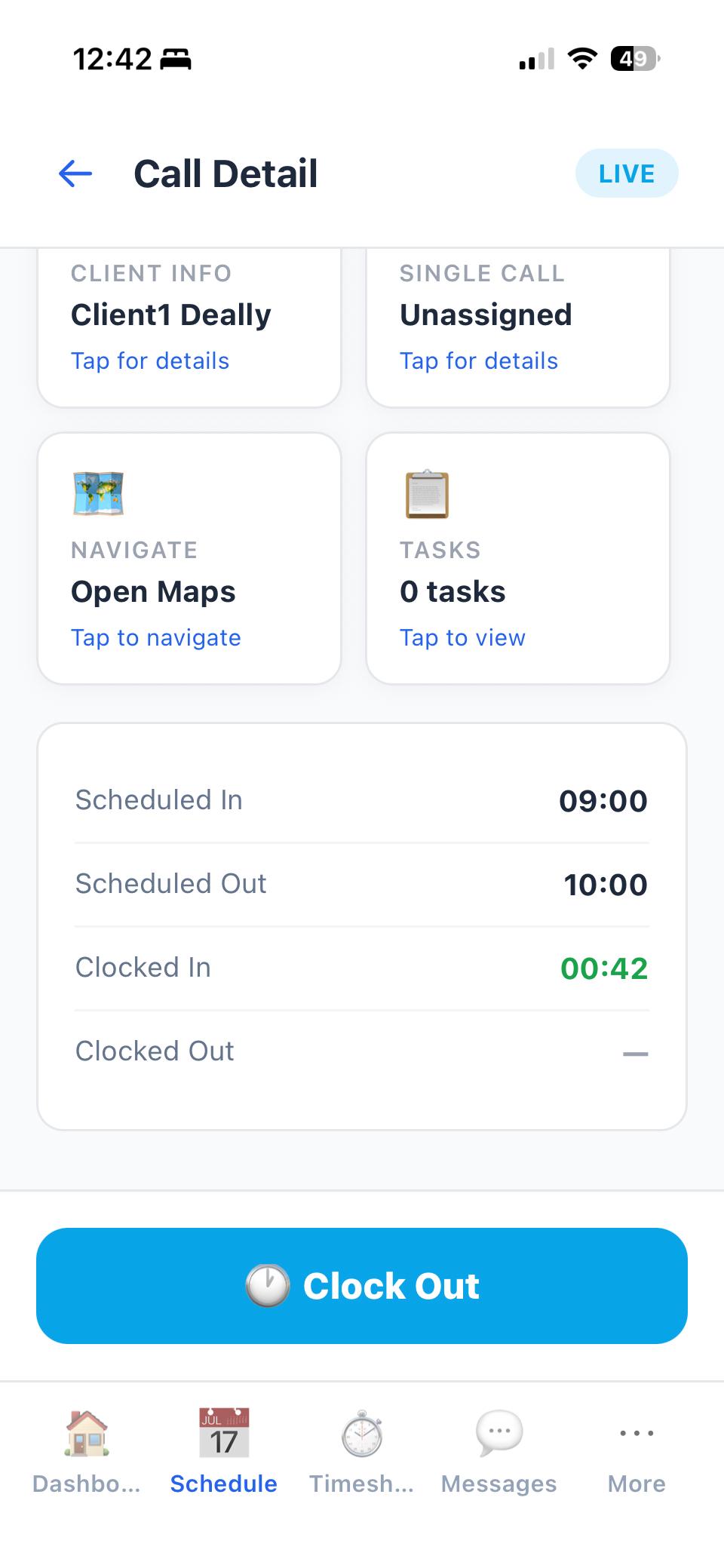
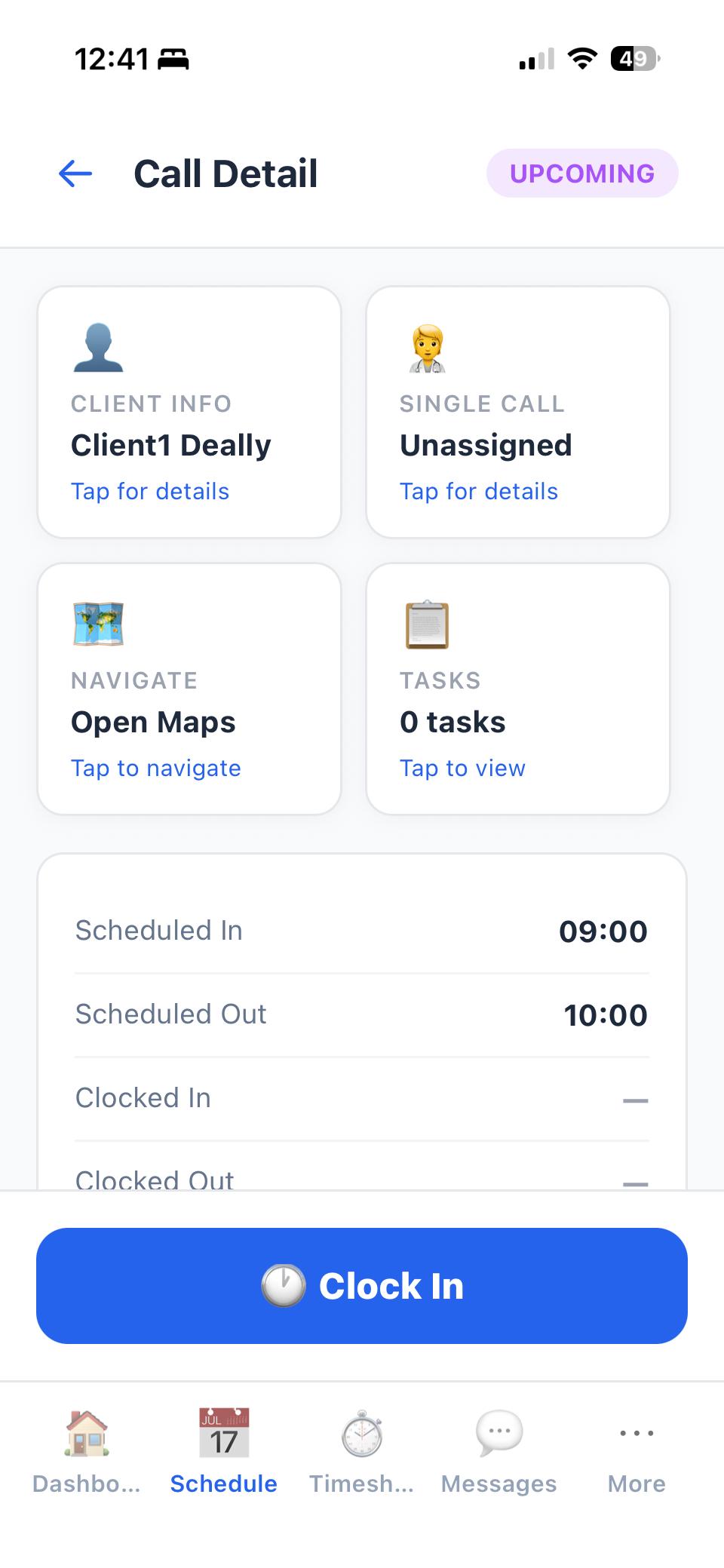
One tap to clock in. GPS coordinates are captured silently in the background to verify the carer is at the client's registered address. No separate tracking app, no hardware dongles, no QR codes to scan.
Clock-out works the same way — one tap at the end of the visit. The timestamp and location flow directly into CareVaultc's timesheet engine, creating a verified record of attendance.
If GPS signal is weak (common in rural areas), the app still records the clock-in and syncs the location when signal returns. Visits are never blocked by poor connectivity.
Care Task Checklists
Tasks from the care plan appear as a checklist during each visit. Carers tick off completed tasks as they go, ensuring consistency between what is planned and what is delivered.
Every task completion is timestamped. Coordinators and inspectors can see not just that tasks were done, but when during the visit they were completed. This is evidence of care delivery that regulators value.
Tasks are configured by the office team and can be updated without the carer needing to do anything. The next time they open a visit, the updated task list is already there.
Visit Notes
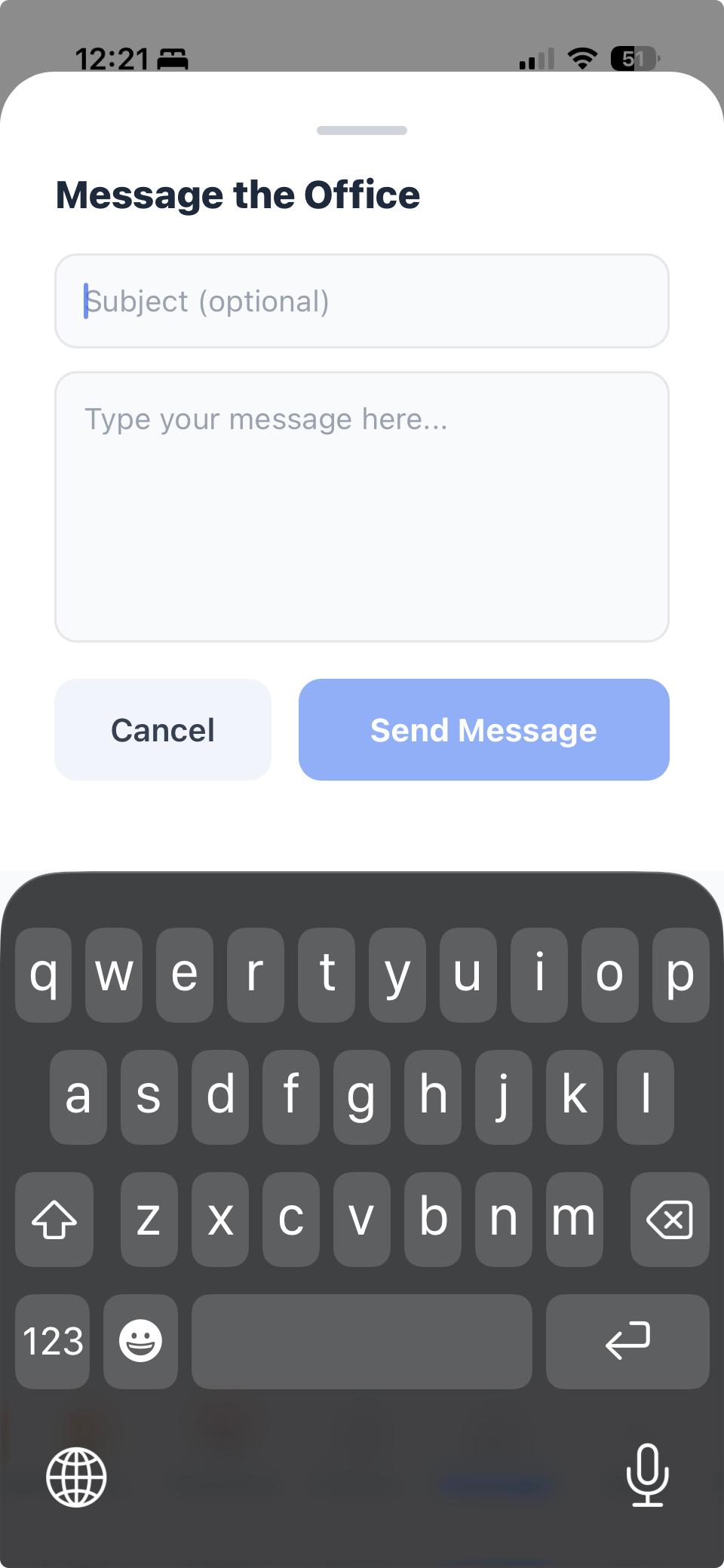
Add notes during or after each visit. Flag concerns, record observations, or leave handover information for the next carer. Notes are typed directly in the app and sync to the coordinator's dashboard immediately.
Notes are linked to the specific visit, so there is never any confusion about which client or which date a note relates to. The full note history is searchable from the office dashboard.
Document Upload
Carers can upload training certificates, ID documents, right-to-work evidence, and other compliance files directly from their phone camera. Take a photo, confirm, and the document is stored against their profile.
No more posting photocopies to the office or emailing scanned documents. The upload goes directly into CareVaultc's compliance tracking system, where it is linked to the correct expiry alert.
Pay Breakdown Access
Carers can view their PDF payslips directly in the app. Full transparency on how pay was calculated — itemised by visit with client name, date, hours, rate, and total.
Historical payslips are also accessible, so carers can check any previous pay period without contacting the office. This eliminates the most common payroll query: "how was my pay calculated?"
Offline Capability
The app works in areas with poor mobile signal. Clock-in, task completion, and notes are saved locally and sync automatically when connectivity returns. Rural visits are never a problem.
Carers see a clear indicator when they are offline, and another confirmation when data has synced. No data is ever lost — it queues until the connection is restored.
iOS & Android
Available on the App Store and Google Play. The app works on older devices and does not require high-end hardware. If a carer has a smartphone, they can use CareVaultc.
Updates are delivered through the app stores automatically. Carers always have the latest version without needing to do anything manually.